Building an audiophile desktop sound system no longer requires five-figure budgets. Strategic component selection, combined with thoughtful placement and optimization, delivers genuinely excellent audio reproduction for under two hundred dollars. The key lies in understanding which components most dramatically impact sound quality and where to allocate limited funds for maximum acoustic benefit. This step-by-step guide walks you through assembling a complete desktop audio system that satisfies audiophile listening standards while respecting practical budget constraints.
Understanding the Core System Architecture
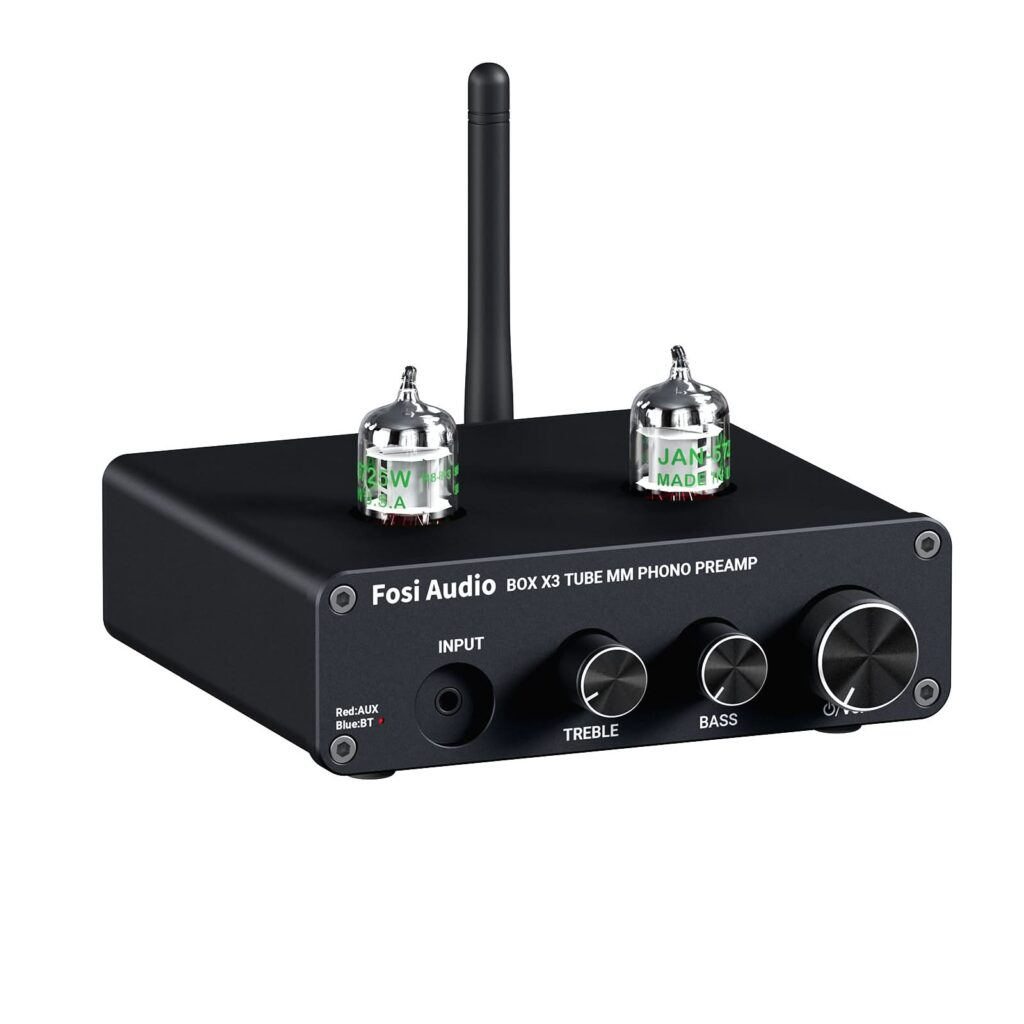
A complete desktop audio system comprises four essential components a source device (computer, streaming service input), a digital-to-analog converter or amplifier with DAC integrated, passive or active speakers and quality cables connecting everything. Most budget confusion stems from treating these as interchangeable categories. Each component serves a specific function and skipping any component compromises the entire system’s performance. FOSI Audio specializes in budget-friendly amplifiers and DACs that deliver disproportionate performance for their price point, making them ideal starting points for constraint builds.
The signal chain flows source → amplifier/DAC → speakers → your ears. Each stage filters, processes or amplifies the audio signal and each stage introduces subtle distortions or artifacts. Building the best possible system within budget means identifying which stages contribute most to your listening experience and investing accordingly. Conventional wisdom suggests allocating roughly 40 percent to speakers, 30 percent to amplification/DAC and 20 percent to cables, with 10 percent remaining for flexibility and optimization.
Step 1 Select Your Amplifier and DAC Foundation
Begin by choosing the amplification and digital-to-analog conversion component, the foundation supporting everything else. Integrated amplifiers combining DAC and amplification functionality offer remarkable value, eliminating unnecessary components while reducing interconnect cables. FOSI Audio amplifiers deliver clean, detailed amplification from computer inputs without the background noise or coloration affecting cheaper alternatives. Allocate approximately forty to fifty dollars to this component, securing a device with adequate power output (25-30 watts minimum for most desktop speakers), multiple inputs for flexibility and minimal distortion specifications.
Key specifications to verify look for signal-to-noise ratio above 90dB, total harmonic distortion below one percent at rated output and sufficient input sensitivity to accept computer audio without requiring additional preamplification. Avoid unusually low-priced amplifiers exhibiting hum or buzz in quiet passages, common indicators of poor power supply design. Quality amplification at fifty dollars exists; lower-priced options often sacrifice reliability and sonic cleanliness for headline wattage specifications.
Step 2 Choose Appropriate Powered or Passive Speakers
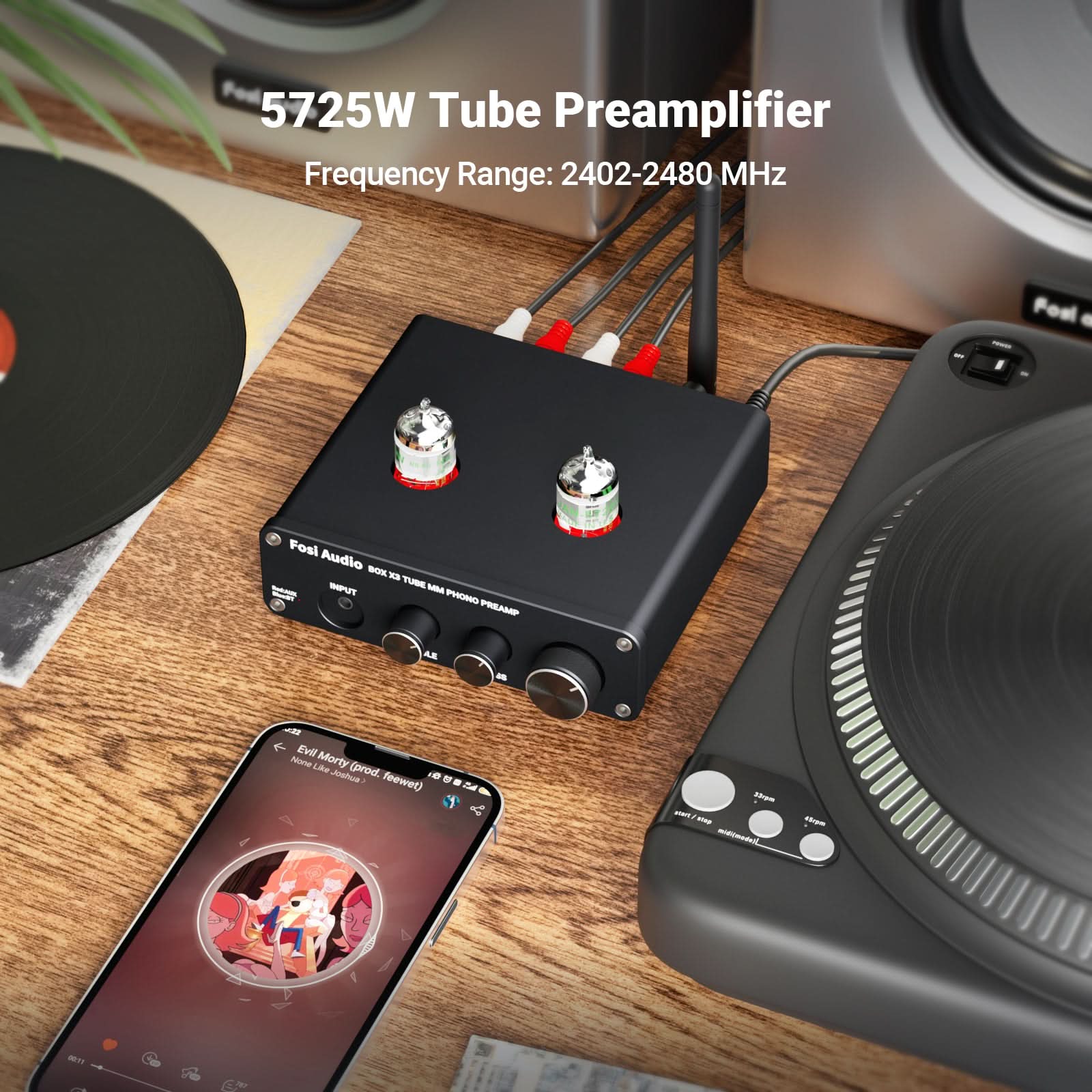
Speaker selection ultimately determines your system’s sound character more than any other component. Budget constraints typically dictate powered speakers (amplifier built-in) over passive speakers, as powering passive speakers requires additional amplifier investment. Allocate eighty to one hundred dollars to speakers, securing quality drivers in properly braced cabinets with appropriate damping materials. FOSI Audio partners with speaker manufacturers offering exceptional value, delivering surprisingly detailed output from compact designs suited to desktop environments.
Prioritize speaker characteristics cabinet rigidity preventing resonance, appropriate port tuning for your listening environment and driver quality evidenced by smooth frequency response rather than excessive bass emphasis. Desktop speakers typically employ five to six inch woofers and one inch tweeters, a size balance providing adequate bass extension while maintaining clarity in midrange and treble frequencies where human hearing proves most sensitive. Test speakers if possible, listening for natural timbre rather than artificial brightness or bloated bass common in budget designs.
Step 3 Acquire Quality Interconnect Cables
Allocate fifteen to twenty dollars to interconnect cables connecting your amplifier to speakers and source device to amplifier. Quality cables eliminate noise pickup and maintain signal integrity across short desktop distances. Shielded balanced XLR cables or well-shielded RCA cables prevent hum and interference common in noisy computer environments. Avoid exotic cable claims, which rarely translate to audible benefits at this price point. FOSI Audio recommend quality but practical cables suited to desktop installations without unnecessary expense or snake oil specifications.
Purchase cables from reputable manufacturers offering clear specification sheets and basic shielding. Budget-friendly shielded cables from established brands outperform premium unshielded cables marketed primarily through hype. Adequate cable length prevents tension and kinking while maintaining proper routing away from power supplies and noisy computer components. Secure cables along edges and under furniture rather than draping across your work surface, reducing vibration coupling and electromagnetic interference affecting sound quality.
Step 4 Optimize Speaker Placement and Room Acoustics
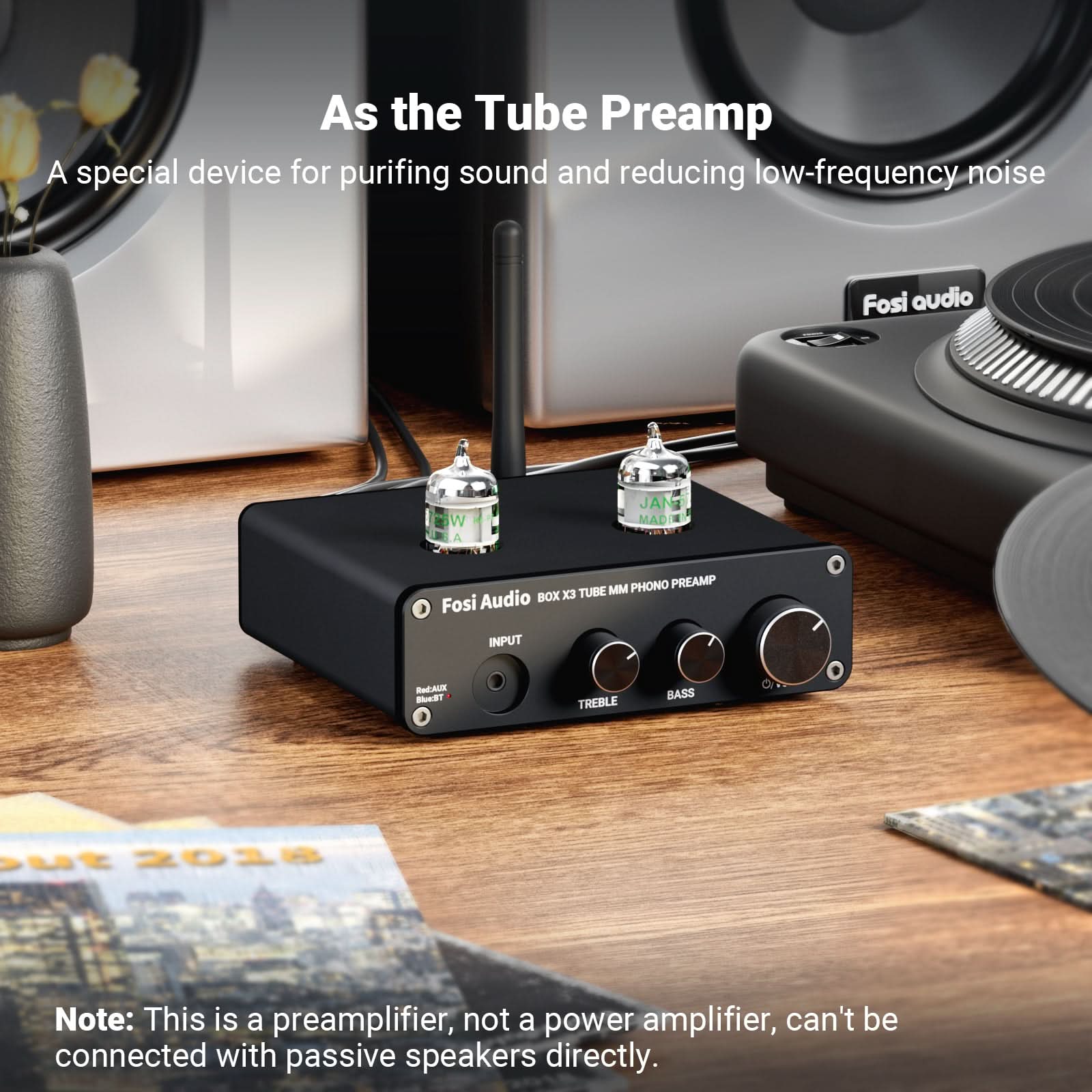
Physical placement dramatically impacts perceived sound quality, requiring zero additional investment yet delivering dramatic improvements. Position speakers at ear level when seated at your desk, directing tweeters slightly toward your listening position. Angle speakers inward by five to fifteen degrees, creating symmetrical stereo imaging. Place speakers on isolation pads, inexpensive rubber or foam supports reducing vibration coupling to your desk and floor, effectively improving clarity without additional electronics.
Address reflective surfaces creating acoustic problems hard desktop surfaces bounce high frequencies, creating comb filtering effects degrading clarity. Add soft materials like foam panels or acoustic blankets strategically placed behind or beside your seated position, absorbing excessive reflections without deadening the space. Avoid corner placement, which amplifies bass response and creates acoustic nulls. Proper placement alone often yields perceptual improvements matching component upgrades costing far more money.
Step 5 Implement Source Quality Improvements
- Use lossless audio formats (FLAC, WAV) rather than compressed formats, audibly improving detail retrieval and dynamic range.
- Implement software-based upsampling or digital filtering to reduce high-frequency noise before amplification.
- Connect via USB directly to your amplifier/DAC rather than relying on computer audio outputs, eliminating noise from computer ground loops.
- Disable Bluetooth and Wi-Fi during critical listening, reducing electromagnetic interference in sensitive analog circuits.
- Verify your streaming service utilizes high-quality bitrates (320kbps minimum), maximizing available source material detail.
Step 6 Perform Critical Listening and Iterative Optimization
With your system assembled, spend several weeks listening critically while allowing ears to acclimate to the system’s characteristics. Identify any remaining imbalances excessive treble brightness suggesting speaker placement adjustments or acoustic treatment needs, insufficient bass indicating improper port tuning or placement away from boundary surfaces or vague stereo imaging suggesting asymmetrical speaker angles or room reflections. FOSI Audio support resources provide guidance addressing common acoustic challenges without requiring additional expenditure.
Small adjustments often yield surprising improvements slight speaker repositioning, cable routing changes or isolation modifications. Dedicate time to systematic evaluation rather than chasing component upgrades, as optimization typically outperforms substitution when operating under budget constraints. Most budget systems reach their performance ceiling through optimization well before component limitations become apparent to casual listening.
Expected Performance and Realistic Outcomes
A properly assembled two-hundred-dollar desktop system reproduces music with impressive clarity, adequate bass extension and natural tonal balance satisfying serious listening. You’ll hear details previously masked in inferior systems, experience wider soundstaging and enjoy dynamic range revealing recording quality variations invisible in lesser setups. However, realistic expectations prevent disappointment no two-hundred-dollar system matches five-thousand-dollar systems in ultimate refinement, noise floor or extended frequency extremes.
Instead, appreciate what budget consciousness enables excellent sound quality without obsessive spending, flexibility to adjust setup as preferences evolve and genuine engagement with music rather than equipment worship. Many accomplished musicians and sound engineers prefer appropriately optimized modest systems to poorly implemented expensive ones, demonstrating that thoughtful component selection and optimization matter more than absolute expenditure.
Upgrading Strategically Beyond the Budget Baseline
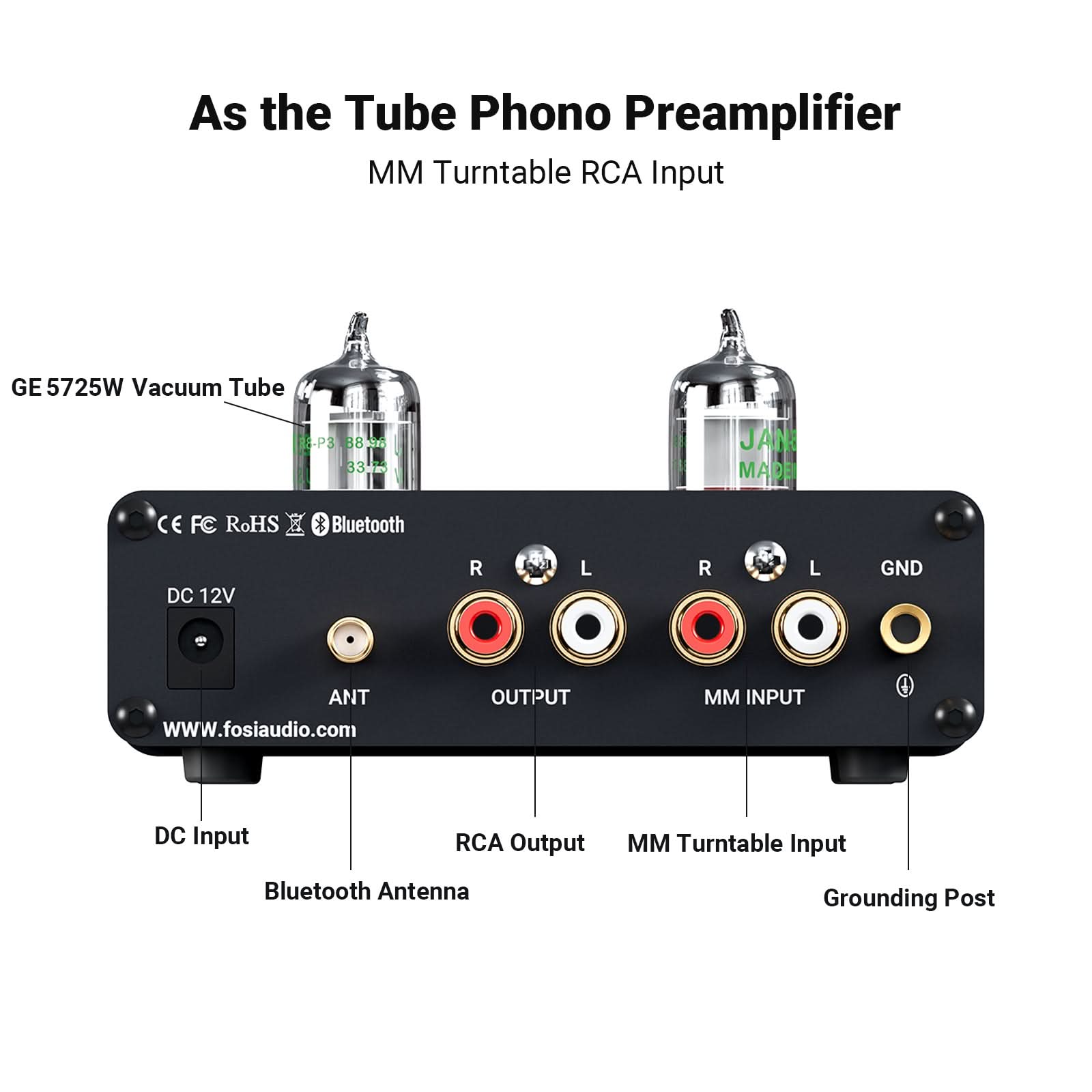
Should you exceed the initial two-hundred-dollar target, allocate additional funds strategically. Speaker upgrades yield most noticeable improvements, followed by better interconnect cables, then amplifier/DAC refinement. Avoid accumulating mediocre components; instead, concentrate spending on fewer higher-quality items. Better to own excellent speakers with modest amplification than average speakers matched with expensive amplifiers. Plan upgrades methodically, testing changes to verify improvement before committing additional funds.
An audiophile desktop sound system under two hundred dollars demonstrates that exceptional audio reproduction doesn’t require luxury pricing. Thoughtful component selection, quality foundational pieces and acoustic optimization deliver genuinely satisfying music listening experiences. Start with this guide’s framework, adapt it to your preferences and available space and enjoy the journey from ordinary computer speakers to genuine high-fidelity desktop audio.